

When cutting printed paper, getting the right sheet size is only half the job. The cut also needs to be in the right place.
Think about a sheet with a printed border, logo, or product information. If the cutting position shifts, the edge may cut too close to the design—or even cut through part of it. The paper may be the correct size, but the finished sheets still don't look right.
This is a common challenge when cutting colour-printed paper, packaging paper, labels, and other pre-printed materials.
So how can a paper sheeter follow the printed design instead of simply cutting at a fixed length? This is where registration mark tracking makes a difference.
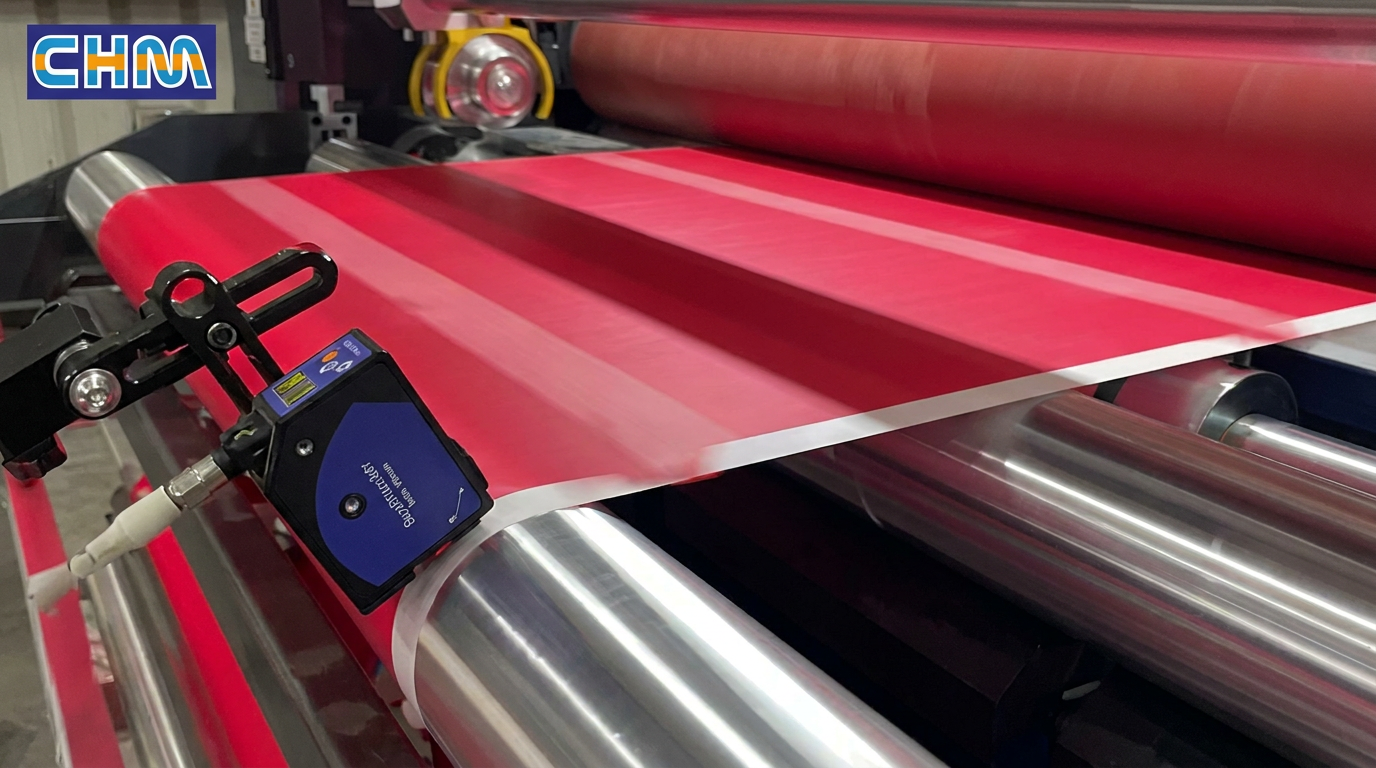
How Does Registration Mark Tracking Work?
The principle is easier to understand than it sounds.
Before the paper is cut, a registration mark is printed at a set position alongside the design. A sensor on the paper sheeter detects this mark as the paper moves through the machine.
When the mark is detected, the system uses it as a reference to coordinate the cutting position. The blade can then cut in relation to the printed layout, rather than relying on the preset sheet length alone.
As the next mark passes the sensor, the process repeats.
In simple terms, the machine uses the printed mark to help it decide where to cut.
This is particularly useful when the position of the cut matters as much as the size of the finished sheet.
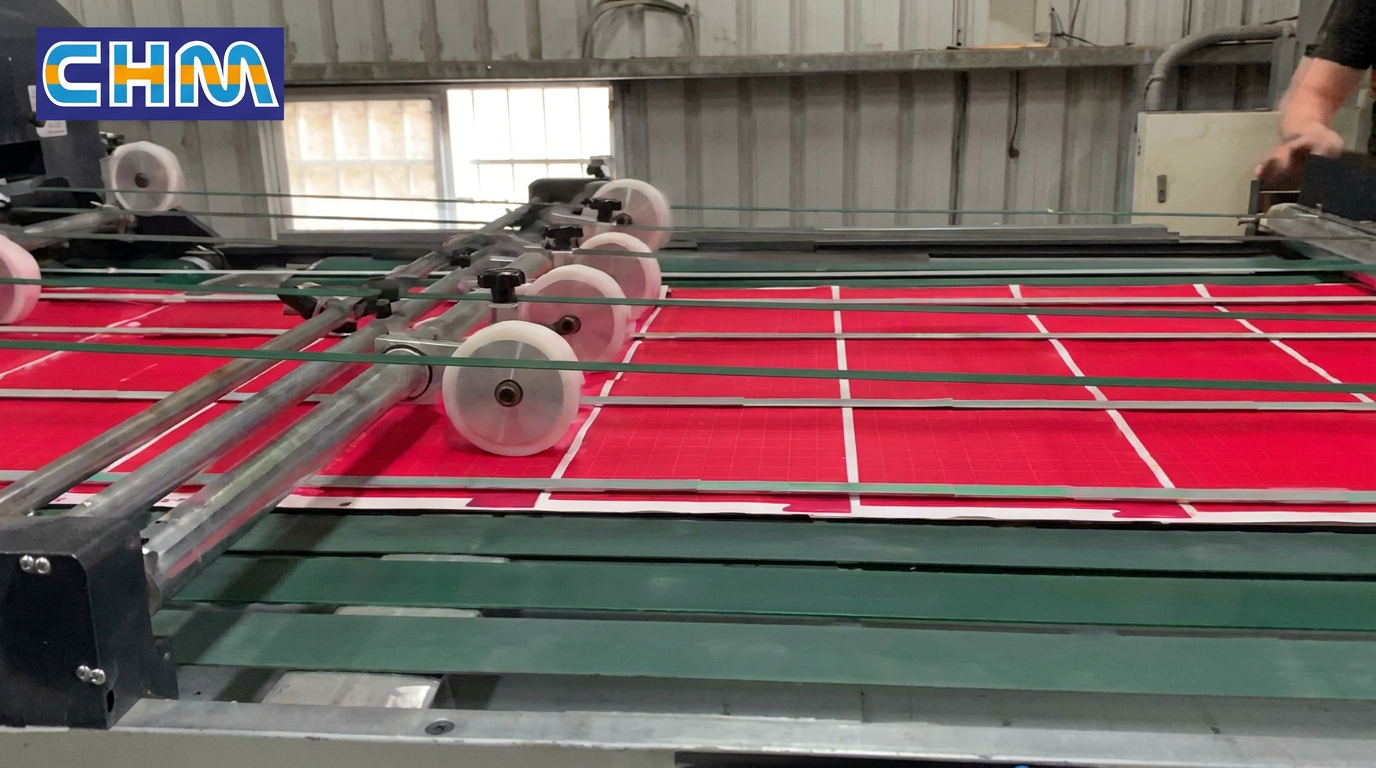
Why Does This Matter for Printed Paper?
For plain paper, a consistent sheet size may be the main requirement. With pre-printed paper, there is another detail to consider: the relationship between the cut and the printed image.
For example:
Colour-printed paper: Keep the cut aligned with the intended layout, helping maintain consistent margins around text, graphics, and borders.
Pre-printed packaging paper: Avoid cutting into important printed areas when the job requires a specific position.
Label and commercial printing materials: Keep the cutting position in line with the printed design, where the material and machine setup are suitable.
Without registration mark tracking, a machine that cuts only by a preset length may struggle when the printed repeat and the actual paper movement do not stay perfectly aligned.
Tracking gives the machine a reference from the print itself, helping it maintain the intended cutting position.
Of course, the result also depends on the quality of the registration marks, paper feeding stability, and correct machine settings. Tracking is not a substitute for proper setup, but it gives the cutting process an important reference that ordinary length control does not provide.
What Makes CHM's Registration Mark Tracking Solution Worth Considering?
At CHM, we understand that customers don't just need a machine that cuts paper. They need equipment that suits the material they actually process.
Our paper sheeting solutions can be configured with a registration mark tracking device for suitable printed-paper applications. This allows customers to consider both sheet cutting and print alignment when selecting their equipment.
The main benefit is practical: the cutting position can follow the printed reference mark. For jobs where the printed design needs to line up with the finished edge, this is an important feature to consider.
Choosing the right setup still requires looking at the actual job. Paper grammage, sheet size, printing layout, registration mark position, and production speed all affect how the machine should be configured.
That's why we recommend discussing the application before choosing the equipment. A machine setup that works well for one printed paper job may not be the right choice for another.
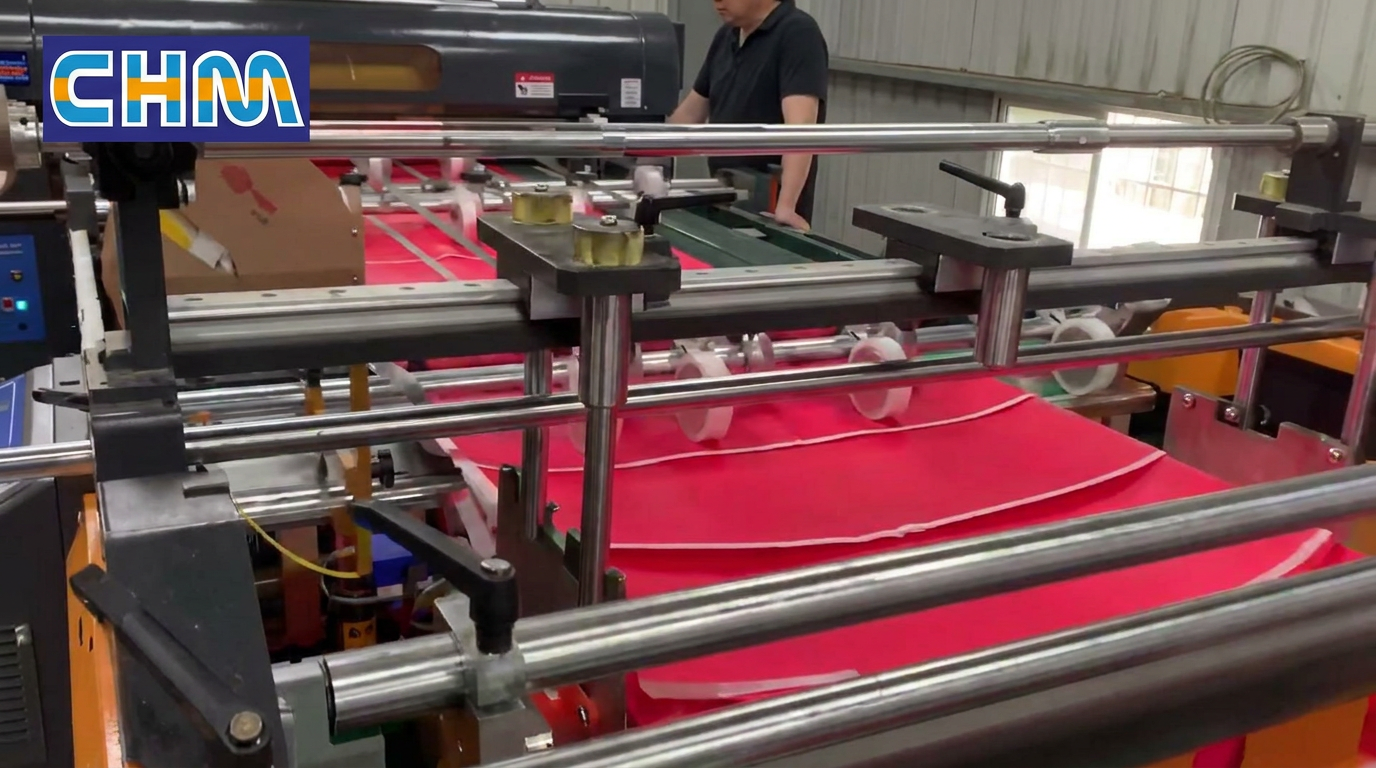
Choosing a Paper Sheeter for Printed Materials
If your factory processes pre-printed paper, don't look at cutting speed alone. Consider whether the machine can handle your material, meet your sheet size requirements, and keep the cut aligned with the printed design.
When discussing your project with CHM, it helps to prepare a few details:
Paper type and grammage
Required sheet dimensions
A sample or image of the printed layout
The position of the registration mark
Your target production speed
With this information, our team can better understand your application and discuss a suitable paper sheeter configuration.
Need to cut printed paper without losing alignment with the design?
Talk to CHM about your paper, printing layout, and cutting requirements. We'll help you explore whether a registration mark tracking solution is suitable for your production job.

